


Introduction
Red Hat Enterprise Linux (RHEL) 10 is here with revolutionary updates in system security, automation, and AI integration. But did you know you can use RHEL 10 for free? How to Download and Install RHEL 10 for Free (Developer Edition)
Thanks to the Red Hat Developer Subscription, individual developers can download and install the full version of RHEL 10 at no cost — no trial, no strings attached.
In this step-by-step guide, you’ll learn how to:
- Register for a free Red Hat Developer account
- Download the RHEL 10 ISO
- Install RHEL 10 using VirtualBox, VMware, or a bare-metal setup
What Is the Red Hat Developer Subscription?
Red Hat provides a free developer subscription that includes:
- Full access to RHEL (including RHEL 10)
- Software updates and patches
- Access to Red Hat Insights and tools
🔗 Official info: Red Hat Developer Program
Important: This license is meant for development, testing, and learning purposes only — not for production environments.
Prerequisites
Before you install, make sure you have:
- A free Red Hat Developer account
- At least 2 CPU cores, 4 GB RAM, and 20 GB storage
- A virtualization tool like VirtualBox, VMware, or KVM
- Stable internet connection
Step-by-Step: How to Download and Install RHEL 10 for Free (Developer Edition)
Step 1: Sign Up for a Red Hat Developer Account
- Visit: https://developers.redhat.com/register
- Fill in your details (email, name, etc.)
- Accept the Developer Subscription Agreement
- Verify your email and log in
Step 2: Download RHEL 10 ISO
- Go to: https://developers.redhat.com/products/rhel/download
- Select RHEL 10 (Developer Edition)
- Choose the version (x86_64, ARM, etc.)
- Click Download ISO
If you’re new to Red Hat Enterprise Linux 10 and want to know what’s changed in this release, check out my detailed guide: Introduction to RHEL 10: What’s New and What to Expect It covers key updates, features, and what you can expect before you proceed with the installation.
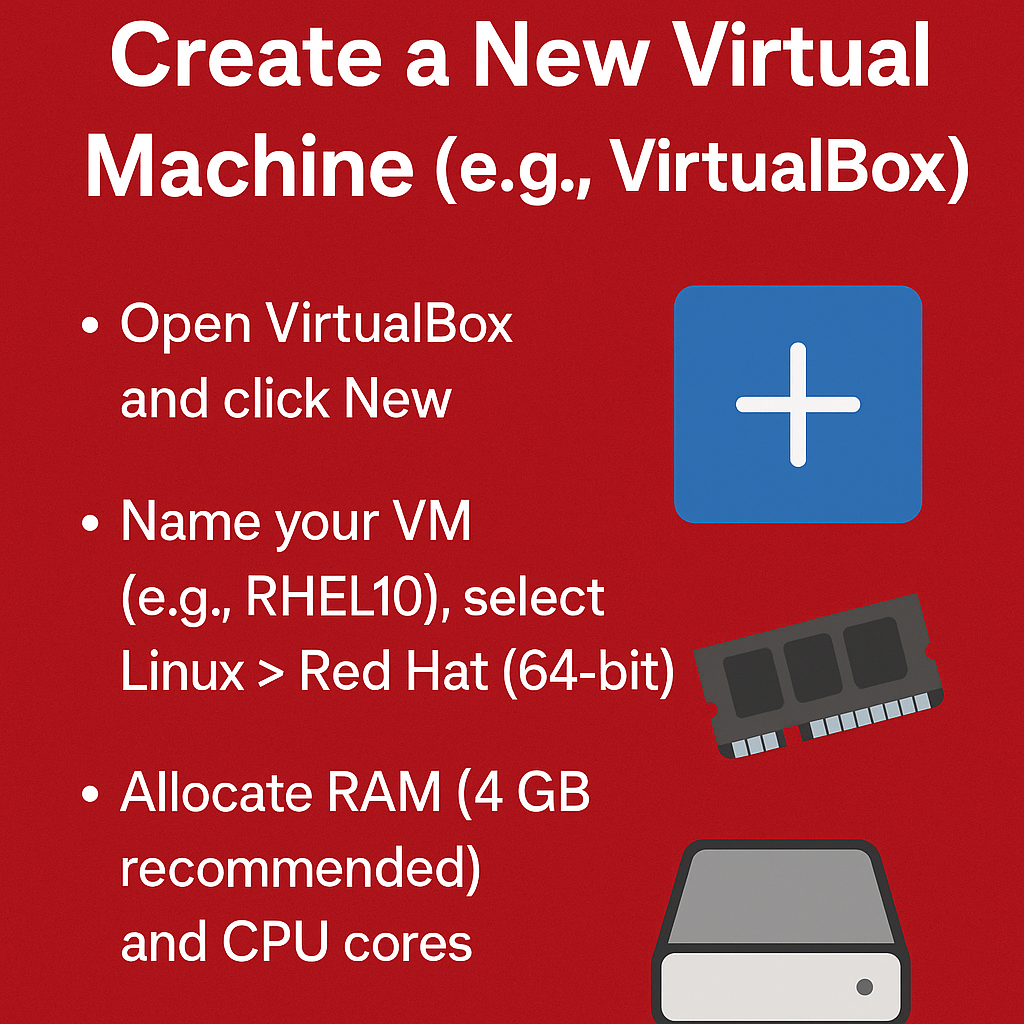
Step 3: Create a New Virtual Machine (e.g., VirtualBox)
- Open VirtualBox and click New
- Name your VM (e.g., RHEL10), select Linux > Red Hat (64-bit)
- Allocate RAM (4 GB recommended) and CPU cores
- Create a Virtual Hard Disk (min 20 GB)
Step 4: Install RHEL 10 from ISO
- Start the VM and select the downloaded ISO as the boot medium
- The RHEL installer will launch
- Follow the installation steps:
- Choose language and region
- Set root password and create user
- Select disk partitioning
- Begin installation
After installation, reboot your VM and remove the ISO
Step 5: Register Your System
Once logged in:
sudo subscription-manager register
Log in using your Red Hat Developer credentials, then attach your subscription:
sudo subscription-manager attach --autoStep 6: Update Your System
sudo dnf update -y
You’re now running RHEL 10 Developer Edition for free!
Optional: Enable Extra Developer Tools
Install useful tools and developer packages:
sudo dnf groupinstall "Development Tools" -y
sudo dnf install git curl wget vim -y
Troubleshooting Tips
- Can’t download ISO? Make sure you’re logged in and your subscription is active.
- Installer crashes? Try using a different virtualization tool or increasing RAM.
- Post-install issues? Use
journalctlanddnf historyfor debugging.
Outbound Resources
Final Thoughts
The RHEL 10 Developer Edition gives you access to enterprise-grade Linux without the cost. Whether you’re a system admin, DevOps engineer, or open-source learner — it’s an opportunity to get hands-on with Red Hat’s latest innovations.